
CraftQuest
-
Posts
4 -
Joined
-
Last visited
Recent Profile Visitors
2648 profile views


CraftQuest's Achievements
-
 Agoraphobic reacted to a post in a topic:
Introduce Yourself Thread!
Agoraphobic reacted to a post in a topic:
Introduce Yourself Thread!
-
 Just hit the ESC Key to Fast Forward Through after the first time.
 -
Ainz Ooal Gown reacted to a post in a topic:
[AOG] Game Story Cutscene Intro System [One off play for new characters]
-
You are welcome took me about 3 hours to figure out how to get it to work right but as you will see in my game it does work.
-
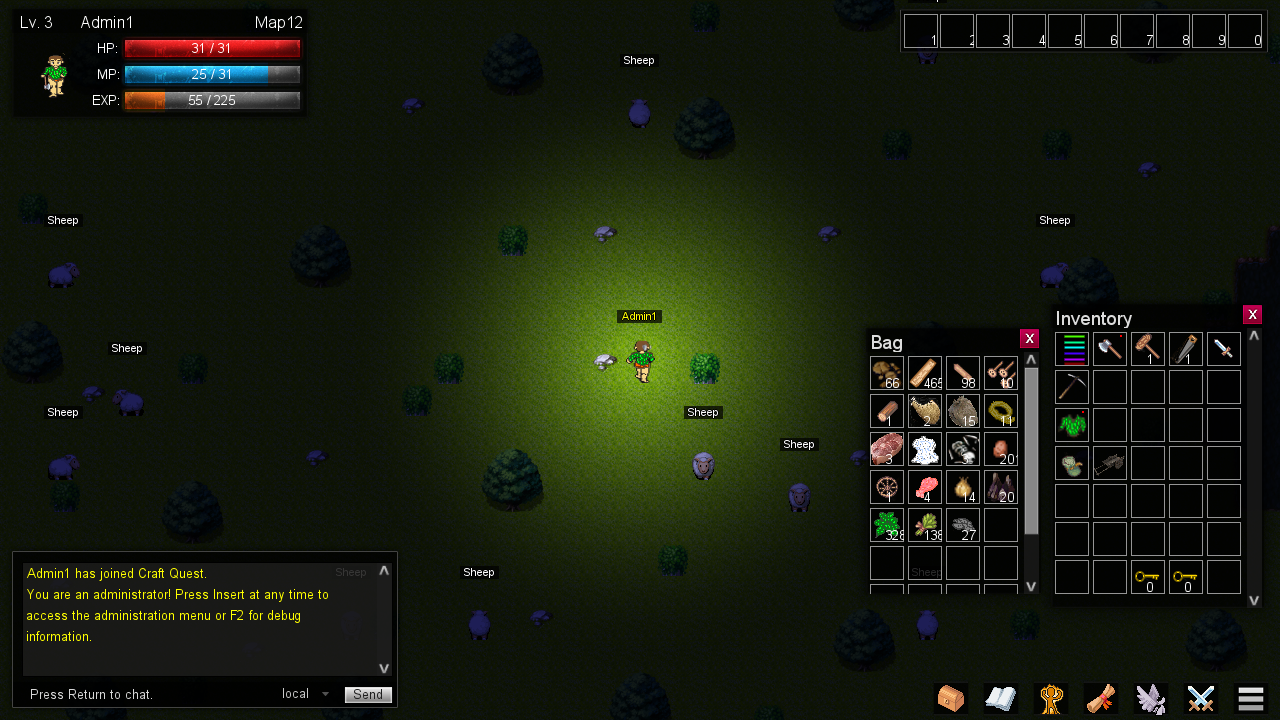
Hi my user name is Craft Quest. I am the founder of Dave's Game Studios and the sole producer of Craft Quest MMORPG I have been Indie developing games for a bit now and my latest venture is Craft Quest using Intersect Game Engine version 5.1 Inside the last 2 weeks I have introduce 62 items in the game. 85% are items you craft. I am trying very hard to get players to join us on the game so we can test out gameplay server reliability and basically how well everyone likes it. Please join us . I use drop box as file sharing as it's free and reliable. You can get a copy her: https://www.dropbox.com/s/diktfz723nwdz65/Craft Quest 1.0.zip?dl=0 Nice to meet everyone. Hope to see you in the game.
-
Get your copy of Craft Quest Here:
https://www.dropbox.com/s/diktfz723nwdz65/Craft Quest 1.0.zip?dl=0
-
CraftQuest changed their profile photo
-
There is a far simpler way to do this. In your client editor folder under resources there is the config JSON. Open it using Notepad then change this: { "Host": "localhost", "Port": 5400, "RenderCache": true, "Font": "Arial", "ChatLines": 100, "MenuMusic": "", "MenuBackground": "background.png", "IntroImages": [ ] } To this: { "Host": "localhost", "Port": 5400, "RenderCache": true, "Font": "Arial", "ChatLines": 100, "MenuMusic": "", "MenuBackground": "background.png", "IntroImages": [ "Name of Image.png", "Name of image2.png" ] } Note: There can be and endless number of images posted this way. Also note the images should be stored in the image folder inside the resource folder. You can see how well this works in my game here: https://www.dropbox.com/s/diktfz723nwdz65/Craft Quest 1.0.zip?dl=0 hit ESC Key to fastfoward through the intro if you wish not to see it.